A lobby serves as the setting where players or teams can engage in competition. To participate in a competition through a lobby, players need to join it. This can be done in the following ways:
- Joining as an individual player
- Joining as a team
- Using a lobby link to join
- Using QR code to Join
Joining as an Individual Player
This setup is primarily for player-versus-player competitions. To join a lobby as an individual, navigate to the Events section under the All tab to view upcoming events. Once you select the event you'd like to compete in, you'll be directed to a page where you can join the lobby.
Find your lobby of interest and click on the Join Lobby button to join. If it is a closed lobby, it will ask you for a password, which should have been shared by the person that invited you to the lobby.
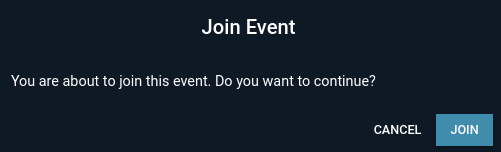
Once you have joined the lobby, you can wait until the lobby is started to take part in the event
Joining as a Team
Joining the lobby as a team follows the same procedure as joining a lobby as a regular user. However, to join the lobby as a team, the Team Captain must first join the lobby. Thereafter, the other team members can join the lobby.
Please take note that, the team captain must ensure all other team members have joined the lobby before pressing START.
Using a Lobby Link to Join
The easiest way to invite users to a lobby is by sharing the lobby link directly with them. Just copy the link from your browser’s URL bar and send it to the intended user(s). They can then use the link to access the lobby page and join directly.
Using QR Code to Join
Users can join a lobby by scanning a QR code provided on the lobby page after the lobby is created. Once the lobby has been set up, a QR code will appear beside the lobby name, allowing one to be able to download and share the QR code. To share the QR code with participants, simply select the Scan QR Code option located just after the lobby name. Upon clicking it, the interface will display a preview of the QR code as shown below.
As indicated in the screenshot, there is an option to download the QR code as an image, making it easy to share with participants. They can scan the image to be redirected to the lobby link.